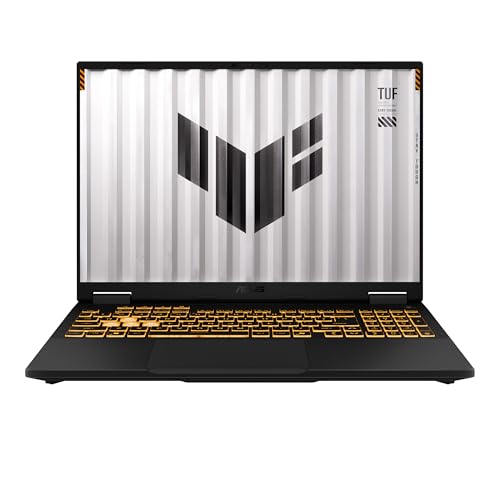
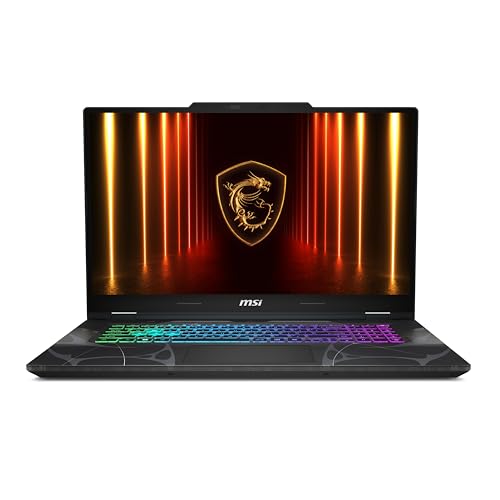
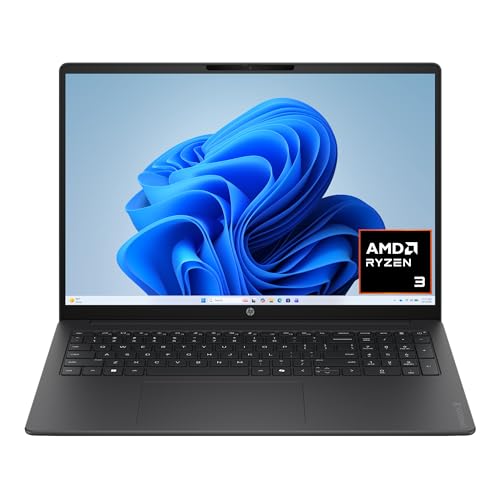
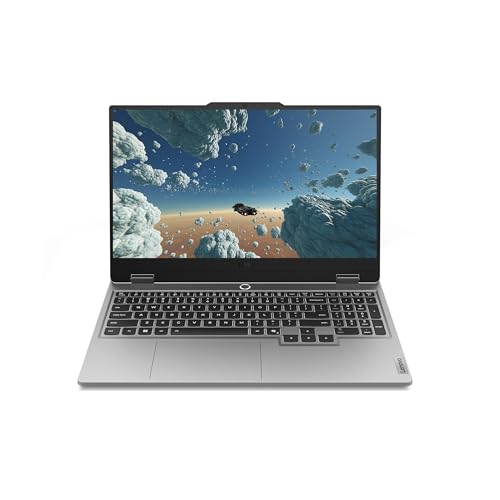
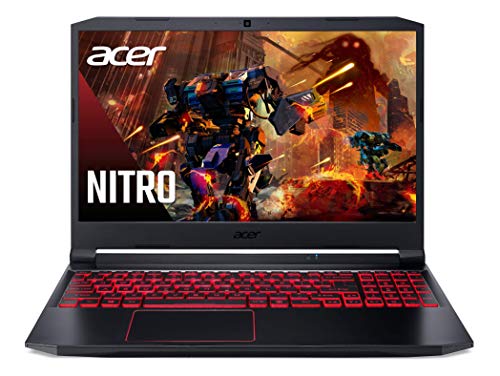
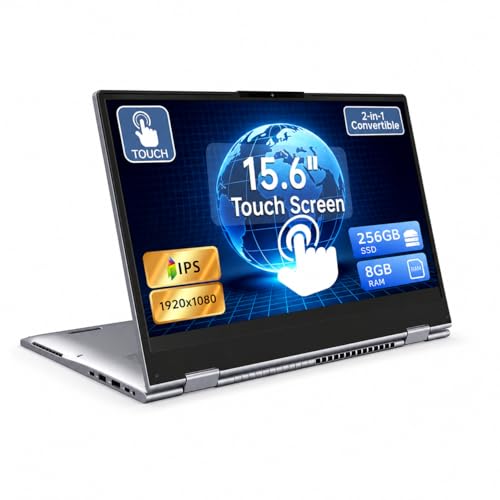
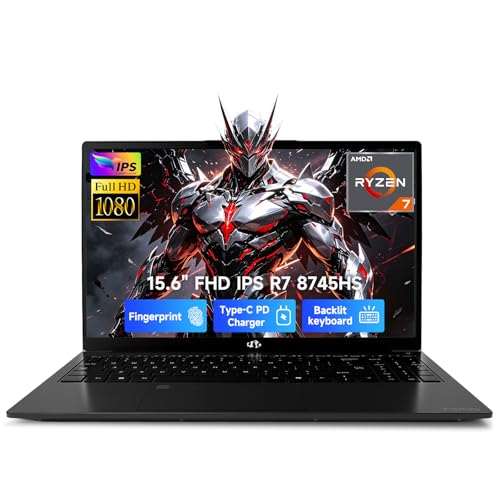
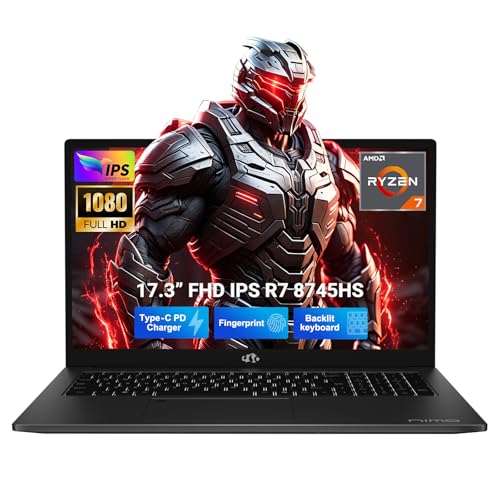
How we review this category
A laptop is judged by real balance: power, portability, screen comfort, input quality, battery expectations, noise, ports, and price all interact. The review should decide which buyer route it fits and which trade-offs are acceptable.
In Laptops, the verdict shifts most around Portability and build, Display comfort, Keyboard and touchpad and Sustained performance.
What we review in this category
For laptops we review documented evidence around mobility, display quality, daily usability, sustained performance, ports, price, and user feedback when the sample is useful.
Portability
Weight 19%. Weight, format, charger burden, and battery evidence decide whether the laptop is credible away from a fixed desk.
See technical evidence we review
Technical measures
- Weight in kg/lb, thickness, chassis size, charger burden, and screen diagonal.
- Battery capacity in Wh and runtime evidence when the source documents it.
- Charging format, USB-C charging, compact adapters, and travel friction.
Reading context
- A light chassis is read together with battery evidence, display size, and thermal expectations.
- Ultrabook, Chromebook, convertible, and gaming routes change what counts as truly portable.
Common cautions
- Battery claims without Wh or runtime figures are treated cautiously.
- Large gaming screens and heavy power bricks can limit mobility even when the laptop itself is thin.
Display comfort
Weight 20%. A laptop screen shapes reading, work, media, gaming, and study comfort, so size, resolution, panel, and refresh have to fit the route.
See technical evidence we review
Technical measures
- Screen size, resolution, pixel density, brightness in nits, refresh rate, panel type, and touch support.
- OLED, mini-LED, IPS, high-refresh, matte/glossy finish, and color-gamut evidence when available.
Reading context
- Display value depends on use: office readability, creator color work, gaming motion, or media contrast.
- Resolution is read with size; the same pixel count is not equally sharp on every diagonal.
Common cautions
- High refresh or OLED wording needs explicit panel evidence.
- A large display can improve workspace while weakening portability.
Input quality
Weight 15%. Keyboard, touchpad, webcam, layout, and setup details decide whether daily writing, calls, and desk use feel credible or quietly frustrating.
See technical evidence we review
Technical measures
- Keyboard layout, backlight, numpad, key travel references, touchpad size, webcam, microphones, speakers, and biometrics.
- Convertible/touch features, hinge format, and repeated daily interaction signals.
Reading context
- Daily usability weighs the parts touched every hour: typing, calls, gestures, login, and desk setup.
- Numpad, webcam, and touch features matter differently for office, study, and travel routes.
Common cautions
- Generic “comfortable keyboard” claims are weak without layout or feature evidence.
- A strong spec sheet does not compensate for poor input friction in daily work.
Sustained performance
Weight 28%. CPU, GPU, RAM, storage, and the buyer route must match the workload; basic chips, integrated graphics, or thin evidence should not score like gaming hardware.
See technical evidence we review
Technical measures
- CPU family and generation, GPU class, dedicated graphics, RAM capacity, storage capacity/type, and cooling-platform clues.
- Apple Silicon, Intel Core Ultra/Core, AMD Ryzen tiers, Nvidia/AMD GPU class, and workload route evidence.
Reading context
- Performance is interpreted by workload: office, study, coding, creator work, gaming, or basic Chromebook use.
- RAM and storage are read with CPU/GPU class, thermal format, and price position.
Common cautions
- CPU/RAM claims alone do not justify a high sustained-performance reading.
- Gaming or creator positioning requires GPU, platform, and cooling evidence, not only large memory numbers.
Battery and ports
Weight 18%. Ports, wireless, charging flexibility, and video outputs determine whether the laptop works cleanly across classes, meetings, and desk setups without adapter fatigue.
See technical evidence we review
Technical measures
- USB-C, USB4/Thunderbolt, HDMI, DisplayPort, Ethernet, SD reader, audio jack, Wi-Fi/Bluetooth generation, and charging ports.
- Docking, external-monitor support, adapter dependence, and wireless standard evidence.
Reading context
- Ports are read against the expected setup: desk dock, classroom, creator peripherals, or travel bag.
- A compact laptop can be excellent while still requiring adapters; that trade-off is kept visible.
Common cautions
- USB-C wording is not treated as Thunderbolt/USB4 unless explicitly documented.
- Sparse ports reduce setup convenience even on premium ultraportables.
Editorial judgement still leaves room for incomplete documentation, weak claims, or practical friction that a spec table does not fully capture.
Which buyer routes change the verdict
We do not score every option through one fixed lens: Mobility and office work, Mainstream home and study, Gaming and performance and Creator or workstation change the priorities, so a strong recommendation for one route can be the wrong fit for another.
Signals that separate strong picks from weak ones
We pay close attention to the visible signals that usually decide the shortlist: Screen size, Resolution, Processor, RAM and Storage.
- Portability and build: Portability, footprint, and chassis quality decide whether the laptop is genuinely easy to carry, durable enough for daily movement, and comfortable outside a fixed desk.. weight and thickness, material or build cues, travel practicality and daily carry trade-offs
- Display comfort: A laptop screen shapes reading, work, media, and study comfort for hours at a time, so size or resolution alone is never enough.. panel and resolution, screen size and format, refresh or brightness claims and long-session comfort
- Keyboard and touchpad: Keyboard and touchpad quality decide whether everyday writing, navigation, and general desk use feel credible or quietly frustrating.. keyboard layout, touchpad usability, ergonomic clues and daily interaction friction
- Sustained performance: The right processor or GPU only matters if the laptop can sustain the intended workload without turning noise, heat, or memory limits into the real story.. cpu gpu route, memory and storage balance, cooling or thermal clues and workload credibility
- Unclear evidence for the main laptop buying route.
The usage scenes we keep in view
We read this category through practical usage scenes such as Workday start, Writing and viewing, Calls and media and Mobility. That context shift stops unlike products from being treated as if they solved the same problem.
How to use this page
Use the category listing to narrow the field, then open the reviews that match your route, budget, and setup constraints. A good shortlist here is not the one with the most headline specs, but the one whose trade-offs fit the way the product will actually be used.