
RAM with strongest coverage
16 GB
typical value
119 Models reviewed
Reviews and comparisons for Laptops, focused on portability and build, display comfort so you can choose by use case and budget.
Practical snapshot of Laptops: current prices, documented specs, and the axes where reviewed products differ most.
Ranking computed with the editorial score specific to this category.
We compare 119 published laptops models across catalog depth, editorial score, user average on a 0-100 scale, average price and the axes where each maker stands out.
14,970 reviews
View HP catalog5,700 reviews
View Lenovo catalog5,795 reviews
View ASUS catalog1,599 reviews
View Dell catalog10,068 reviews
View Acer catalog2,938 reviews
View Apple catalog816 reviews
View NIMO catalog111 reviews
View msi catalog1,174 reviews
View Samsung catalog262 reviews
View Alienware catalogApple leads editorial average (89/100); Apple stands out with users (92/100); has the lowest average price ().
Quick comparisons
Select 2 products to see the comparison in this section.
The right laptop depends first on how you use it: commuting and office work, general home and school tasks, gaming, or heavier creative work. The best pick is usually the one with the right balance of screen comfort, keyboard quality, battery, ports, and sustained performance—not the one with the flashiest headline spec.
| Use case | Prioritize | Avoid paying more for |
|---|---|---|
| Work And Study | Comfortable keyboard, readable screen, reliable battery, useful ports | Extra GPU power |
| Frequent Commuting | Low weight, compact charger, sturdy build, USB-C charging | Large chassis |
| Home And Classes | Balanced performance, decent webcam, simple setup, solid battery | Premium materials alone |
| Gaming First | Dedicated graphics, strong cooling, high refresh display, enough RAM | Thinness over thermals |
| Photo And Video | Color-credible screen, CPU/GPU headroom, more memory, fast storage | Resolution alone |
It matters most if the laptop will live in a backpack, move between rooms, or travel to class and meetings regularly.
It matters for anyone reading, writing, browsing, or watching for hours, where brightness, panel quality, and size affect fatigue more than raw resolution alone.
It matters if you type a lot, because a weak keyboard or awkward touchpad creates daily friction even when the specs look fine.
It matters when your workload goes beyond light apps, since cooling, memory, and power limits decide whether performance holds up after the first few minutes.
It matters mainly for gaming, where smoother motion and lower perceived lag help more than they do in normal browsing, office work, or streaming.
It matters if you use external displays, USB accessories, wired internet, or charge on the go and want to avoid living on adapters.
It matters most away from a desk, where real unplugged time and charger size affect whether the laptop is truly practical to carry.
A laptop can look powerful on paper but still be the wrong fit if your real priority is mobility, quiet use, or long writing sessions.
Sharpness alone does not tell you whether the display is comfortable for long work, bright enough for daytime use, or pleasant to read on.
These are the parts you use all day, so weak input quality can make a decent laptop feel tiring and cheap very quickly.
A thin laptop with poor battery life, a heavy charger, or fragile build can be less practical than a slightly thicker one.
Missing video output, limited USB-C support, or adapter dependence can turn desk setup and travel use into constant hassle.
Higher performance usually brings more fan noise, heat, and shorter battery life, so the trade-off needs to match how you actually use the laptop.
A laptop is judged by real balance: power, portability, screen comfort, input quality, battery expectations, noise, ports, and price all interact. The review should decide which buyer route it fits and which trade-offs are acceptable.
In Laptops, the verdict shifts most around Portability and build, Display comfort, Keyboard and touchpad and Sustained performance.
For laptops we review documented evidence around mobility, display quality, daily usability, sustained performance, ports, price, and user feedback when the sample is useful.
Weight 19%. Weight, format, charger burden, and battery evidence decide whether the laptop is credible away from a fixed desk.
Technical measures
Reading context
Common cautions
Weight 20%. A laptop screen shapes reading, work, media, gaming, and study comfort, so size, resolution, panel, and refresh have to fit the route.
Technical measures
Reading context
Common cautions
Weight 15%. Keyboard, touchpad, webcam, layout, and setup details decide whether daily writing, calls, and desk use feel credible or quietly frustrating.
Technical measures
Reading context
Common cautions
Weight 28%. CPU, GPU, RAM, storage, and the buyer route must match the workload; basic chips, integrated graphics, or thin evidence should not score like gaming hardware.
Technical measures
Reading context
Common cautions
Weight 18%. Ports, wireless, charging flexibility, and video outputs determine whether the laptop works cleanly across classes, meetings, and desk setups without adapter fatigue.
Technical measures
Reading context
Common cautions
Editorial judgement still leaves room for incomplete documentation, weak claims, or practical friction that a spec table does not fully capture.
We do not score every option through one fixed lens: Mobility and office work, Mainstream home and study, Gaming and performance and Creator or workstation change the priorities, so a strong recommendation for one route can be the wrong fit for another.
We pay close attention to the visible signals that usually decide the shortlist: Screen size, Resolution, Processor, RAM and Storage.
We read this category through practical usage scenes such as Workday start, Writing and viewing, Calls and media and Mobility. That context shift stops unlike products from being treated as if they solved the same problem.
Use the category listing to narrow the field, then open the reviews that match your route, budget, and setup constraints. A good shortlist here is not the one with the most headline specs, but the one whose trade-offs fit the way the product will actually be used.
Focus on the full daily experience, not just the processor. The most important trade-offs are portability, screen comfort, keyboard and touchpad quality, sustained performance, battery life, and ports, because these determine whether the laptop is easy to live with for work, study, gaming, or travel.
A good work or study laptop should wake quickly, handle documents and browser tabs smoothly, and stay comfortable during long typing and reading sessions. Look for a usable keyboard, a screen that is easy on the eyes, enough RAM for multitasking, and a port mix that does not force constant adapter use.
A laptop is genuinely portable when its weight, thickness, battery expectations, and charger burden all make sense together. A light chassis alone is not enough if the battery is weak or the power adapter is bulky, because that still creates friction on commutes, campus, or room-to-room use.
For gaming, the key factors are the dedicated GPU, cooling, display refresh rate, and sustained performance under load. A strong spec sheet is not enough if the laptop gets too loud, runs hot, or cannot hold performance during longer sessions.
USB-C or Thunderbolt is most valuable if you plan to charge through the port, connect a dock, or use an external display with less cable clutter. If you work at a desk often, the right port mix can matter as much as raw specs because it reduces adapter dependence and setup friction.
The most common mistake is choosing based on headline specs without checking how the laptop feels in real use. Screen quality, keyboard comfort, battery behavior, noise, and port compatibility often matter more than small performance differences, especially for everyday home, office, and study use.
 70
 80
 93
 81
 75
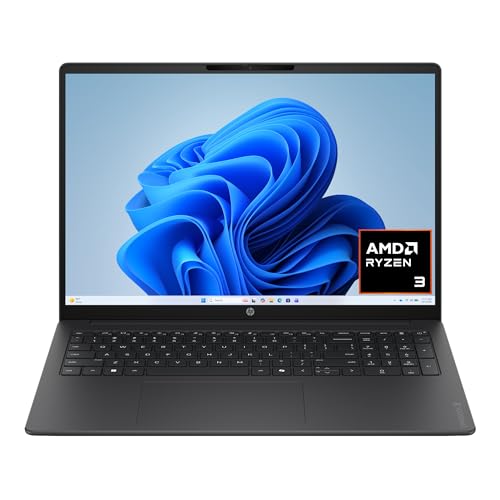 80
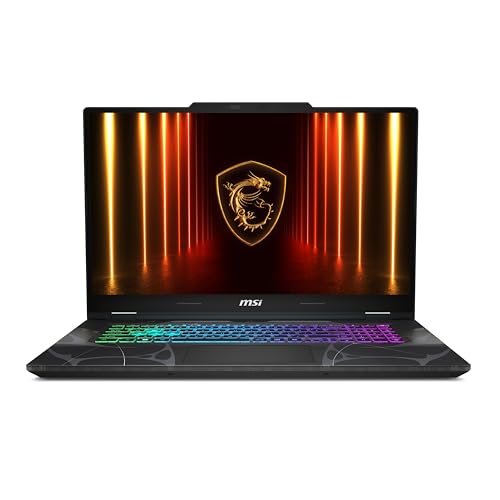 80
 74
 74
 73
 75
 75
 69
 86
 77
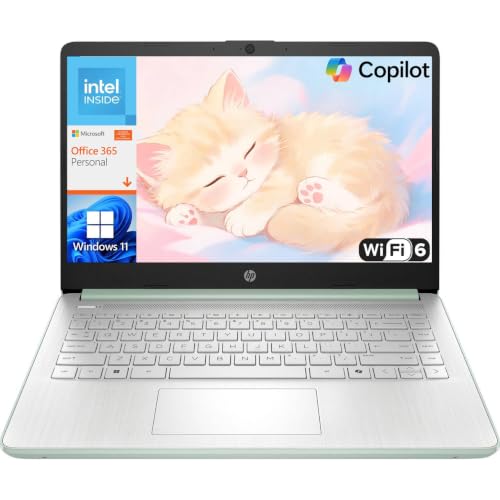 77
 73
 72
 85
 76
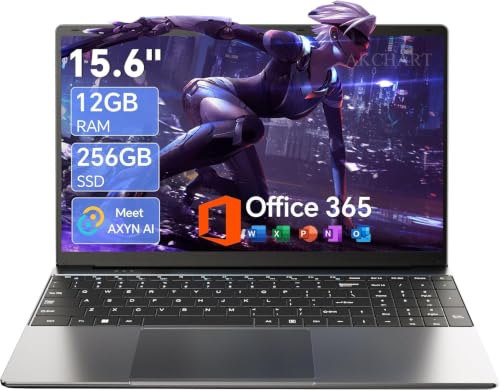 76
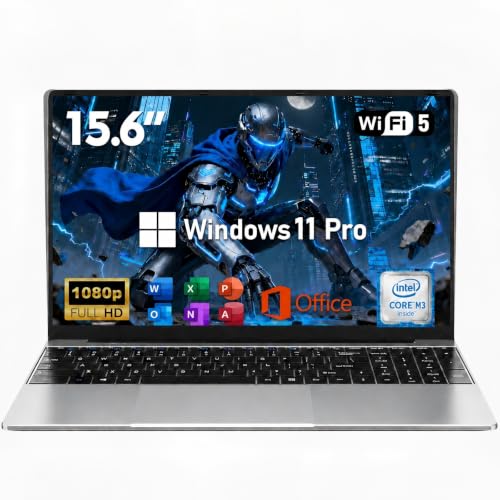 73
 71
 77
 73
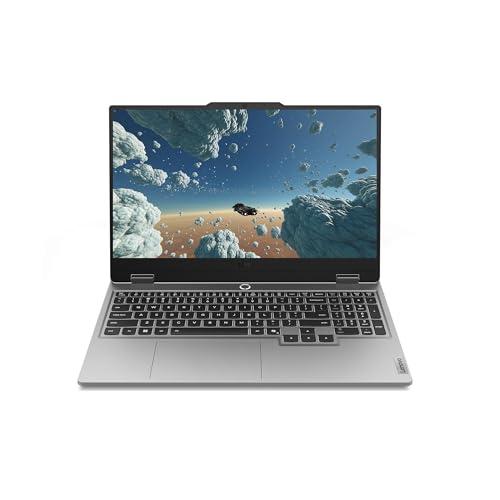 75
 77
 71
 80
 75
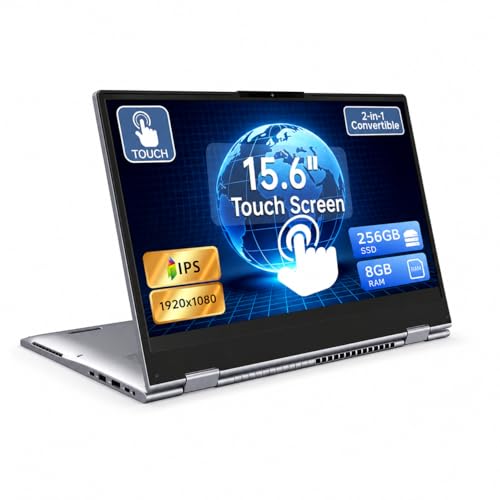 74
 73
 77
 78
 69
 76
 80

 71
 72
 73
 72
 70
 70
 83
 68
 66
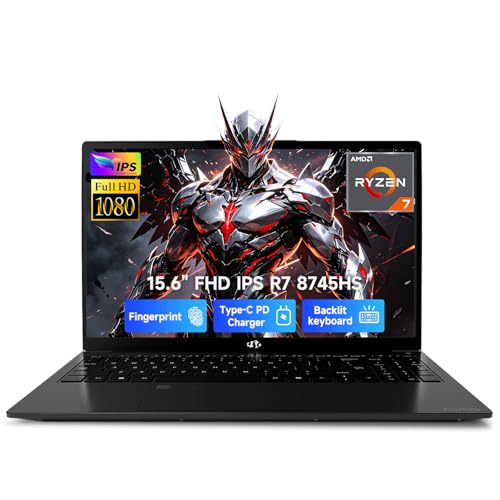 74
 62
 59
 68
 68
 72
 84
 62
 74
 70
 71
 91
 76
 76
 68
 69
 75
 68
 67
 73
 73
 63
 71
 66
 68
 80

 68
 74
 72
 65